I’m excited to share my 3 newest paintings with you!
They are all mini size 6×4.5″ and would be perfect for cheering up a little space around your home or work space.
Click any of the images for more information
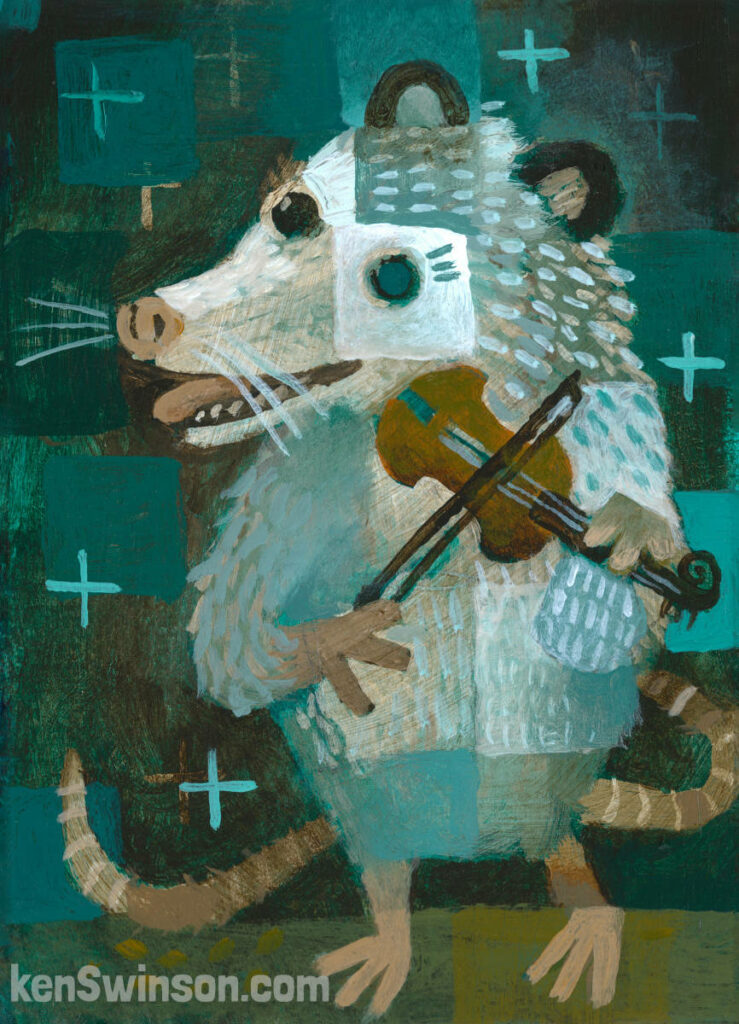
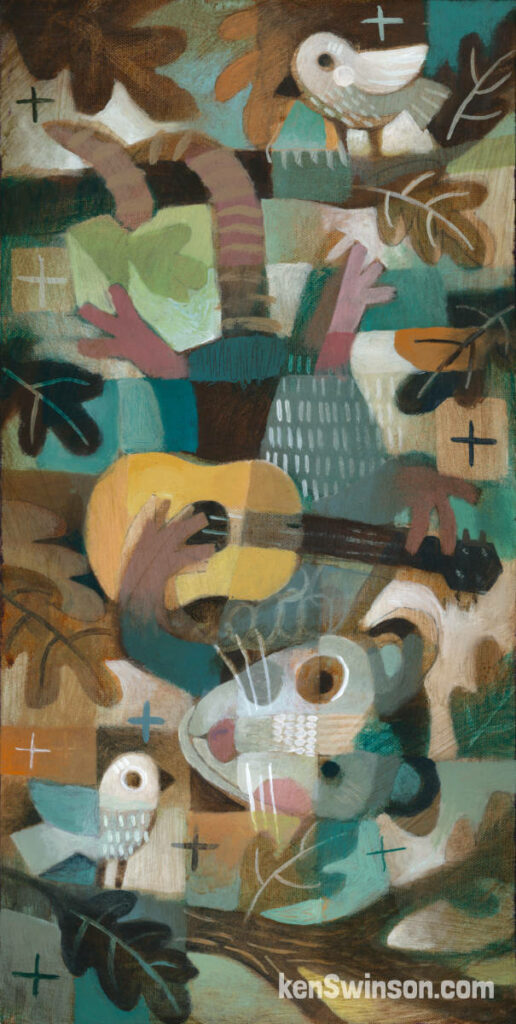
Opossum Serenade
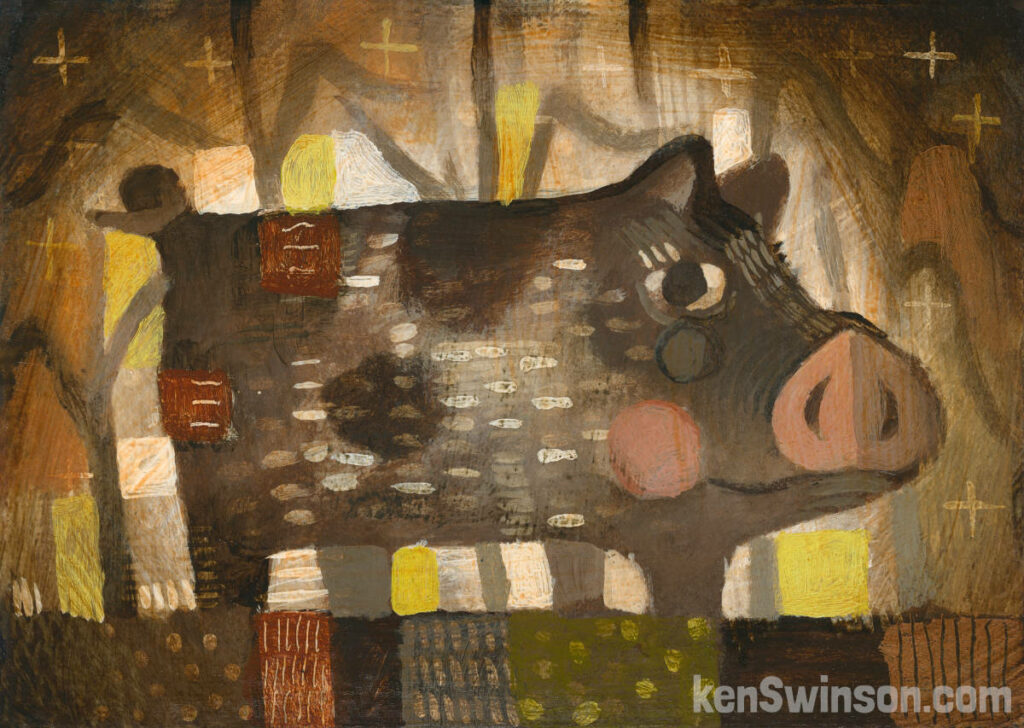
Pig In Cornfield
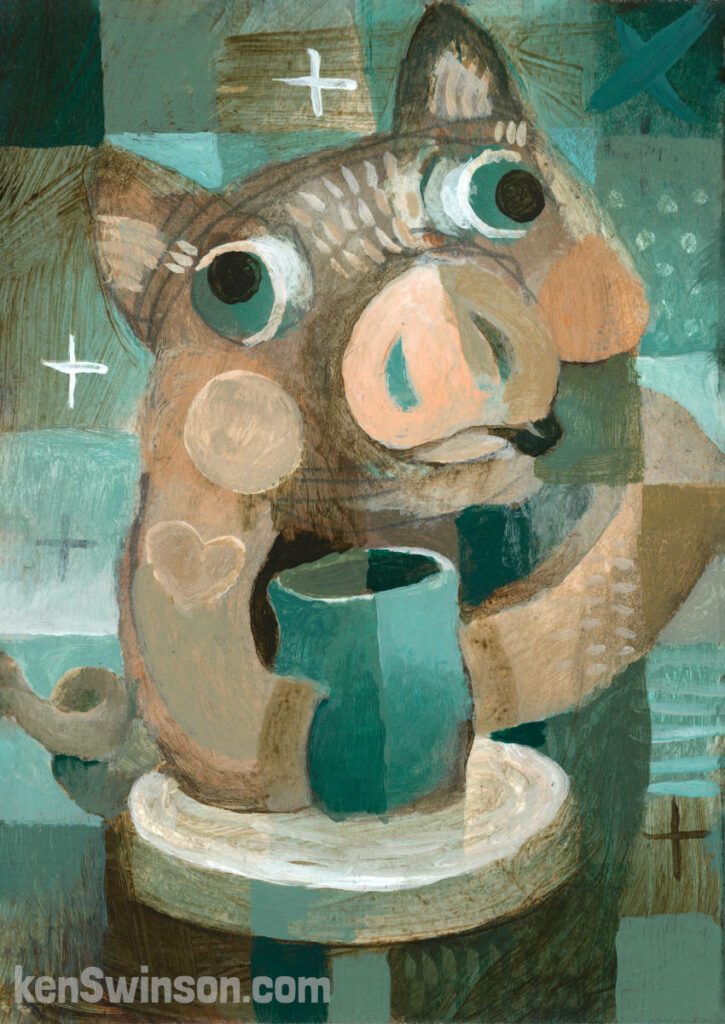
Pottery Makes Me Happy As A Pig In Mud
New Paintings – January 2024
I spent a lot of November and December making pottery (perfect art for holiday gifts).
Now i’m dusting my paint brushes off and getting back on the easel. To warm up, I made these fun little gems. Not very big, but they are guaranteed to brighten up and bring cheer to any gloomy little spot in your art collection.
click any of the images for more information
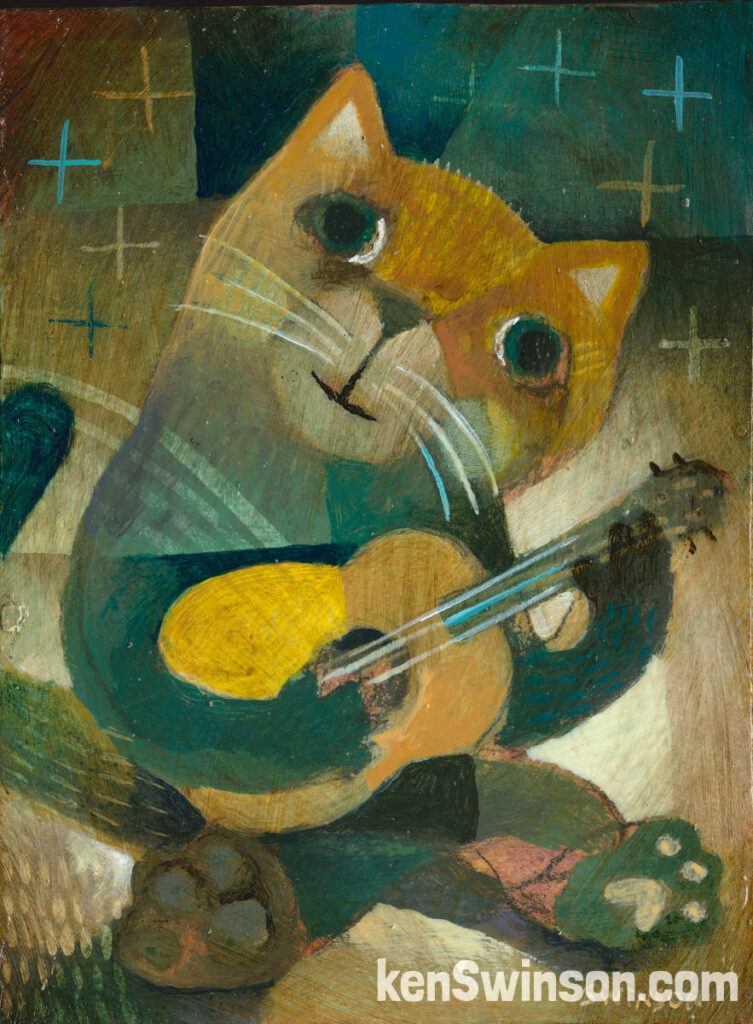
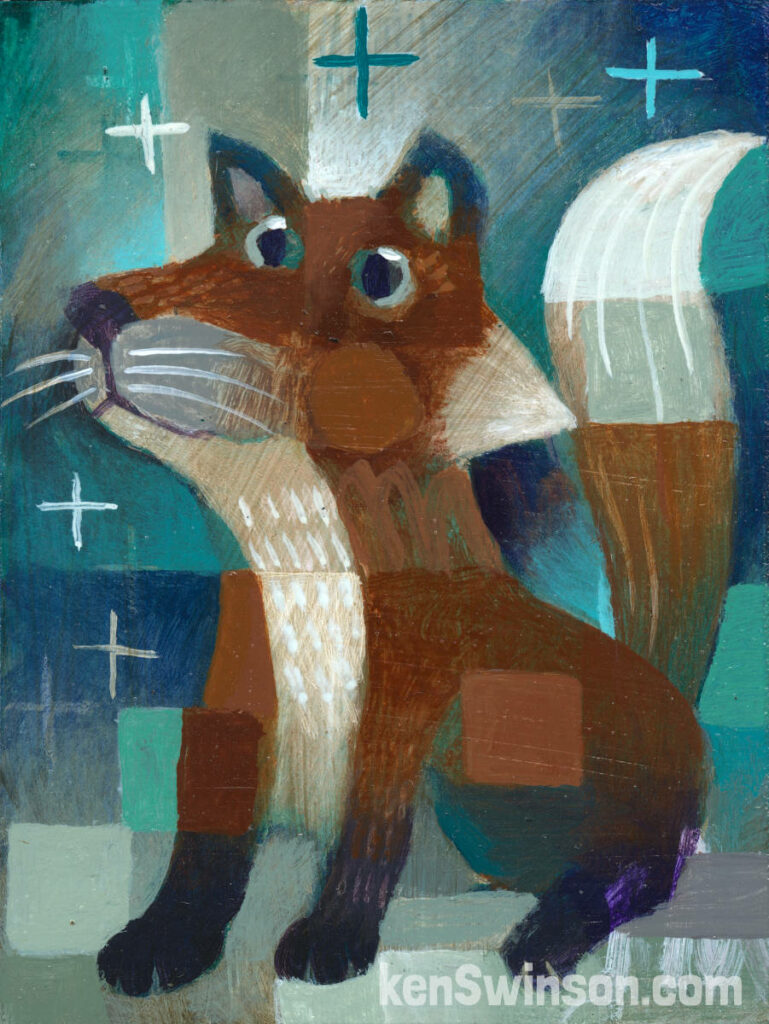
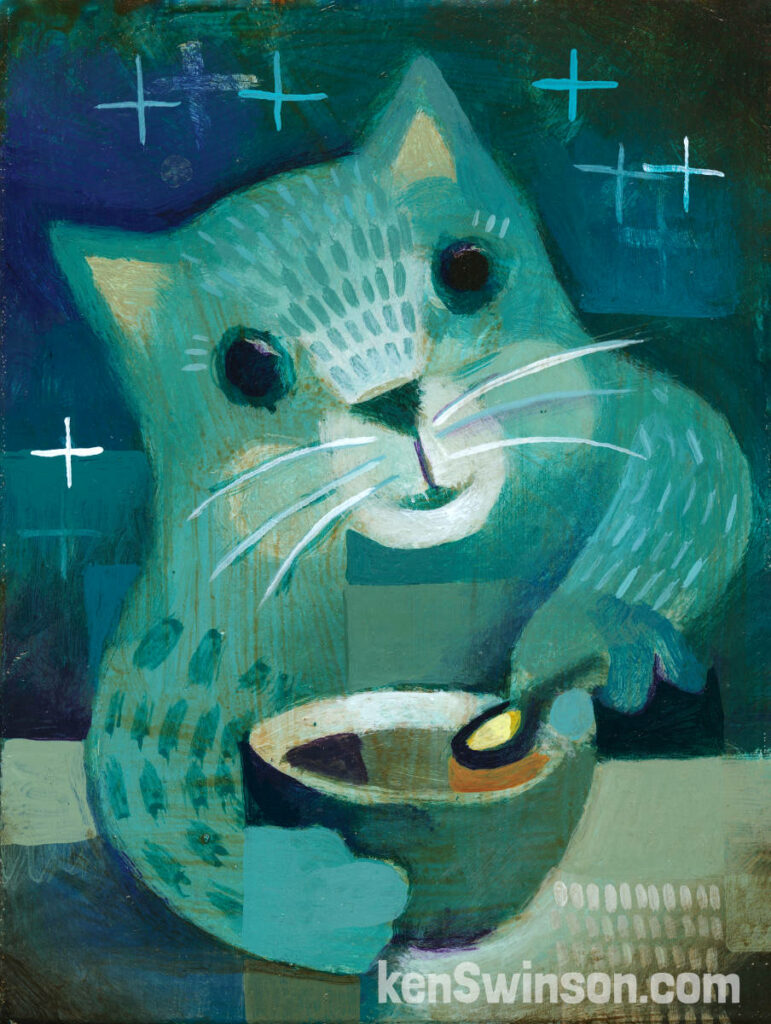
All these original paintings are framed in a handmade black wood frame.
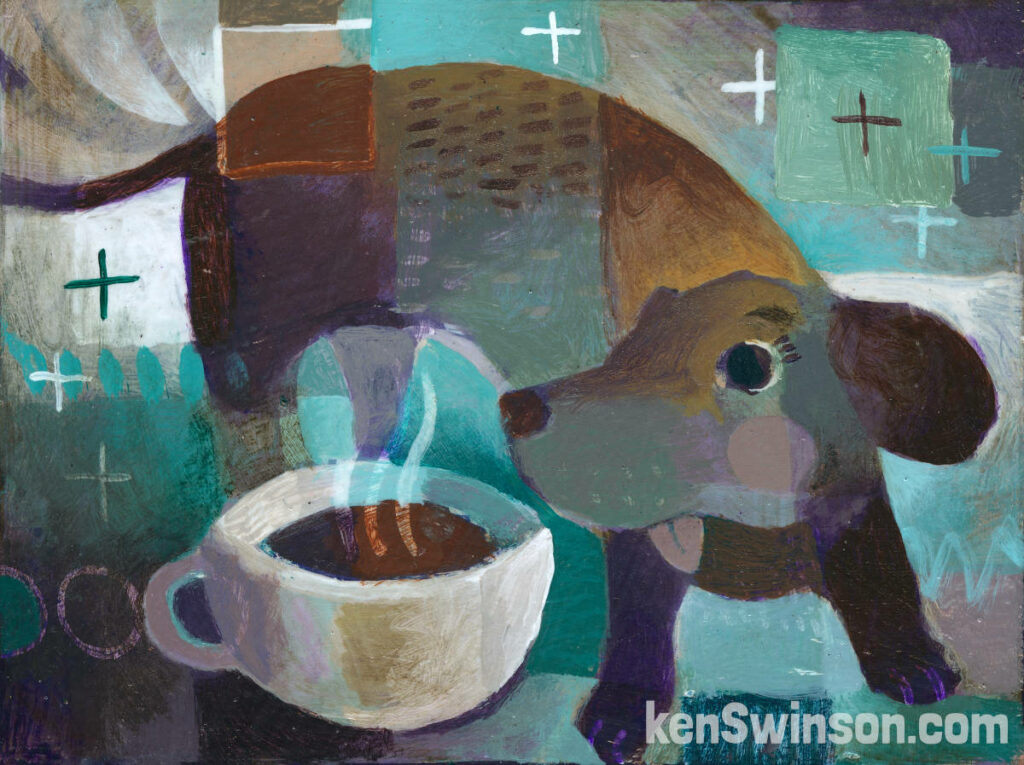
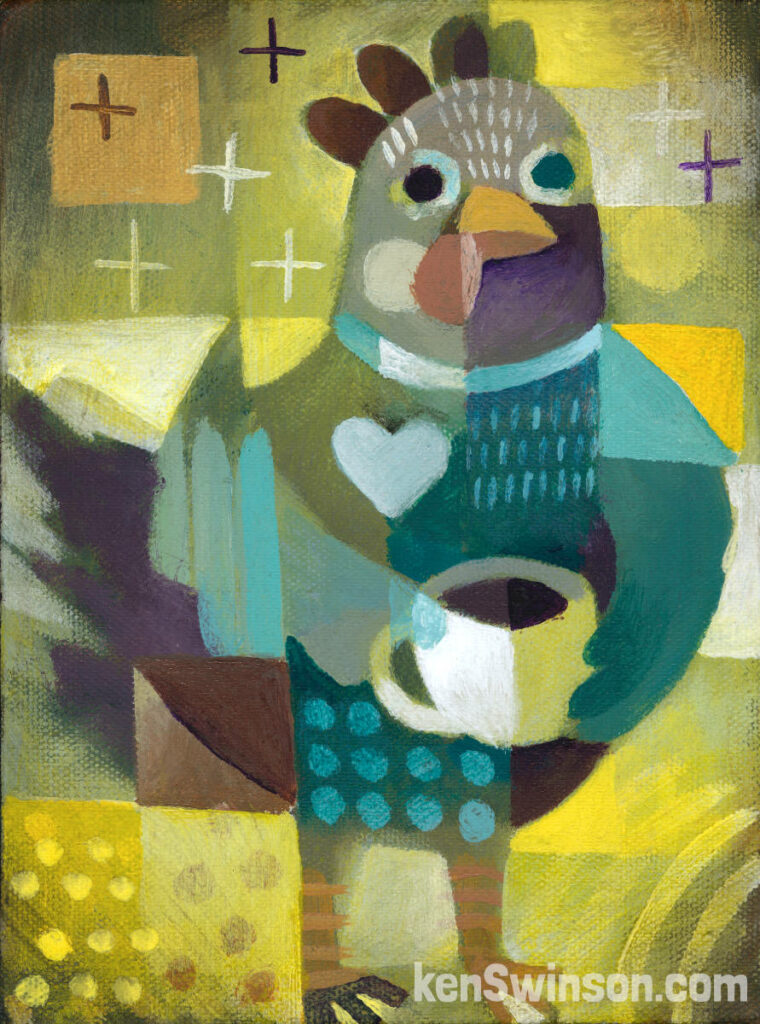
I also have notecards available for those of you who’d like to support my work and mail some happy art to one of your friends.
Thanks all for your support!
Ken
NEW LINOCUT PRINT
this new linocut is HOT OFF THE PRESS.
Conditional Love
A limited editon (25) linocut approx 6×8″ on acid free 8×10″ paper
Signed and numbered by the artist
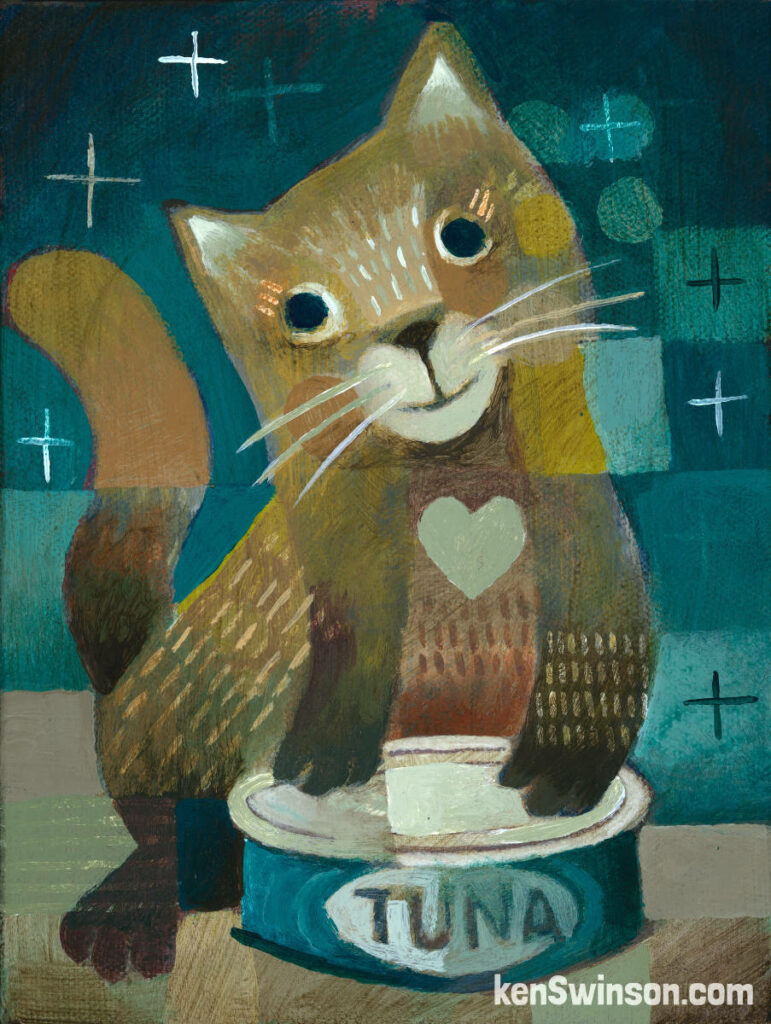
Don’t be fooled by that look of love…they really love my can opening skills.

-
 Conditional Love$25.00

NEW ACRYLIC PAINTING
FEAST AFTER THE HARVEST
16×20 Acrylic On Canvas
Original Painting Is Available
Prints and notecards also available
Click image for more details

NEW LINOCUT
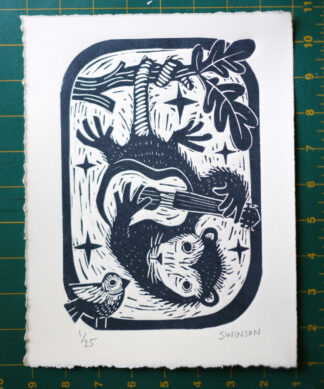
This Limited edition (25) linocut is a great way to add some Awesome Opossum energy to your life!
Dark Grey ink on warm white 100% cotton acid free paper
Image is approx 6×8″ paper 8×10″
Signed and numbered by the artist

NEW PAINTINGS
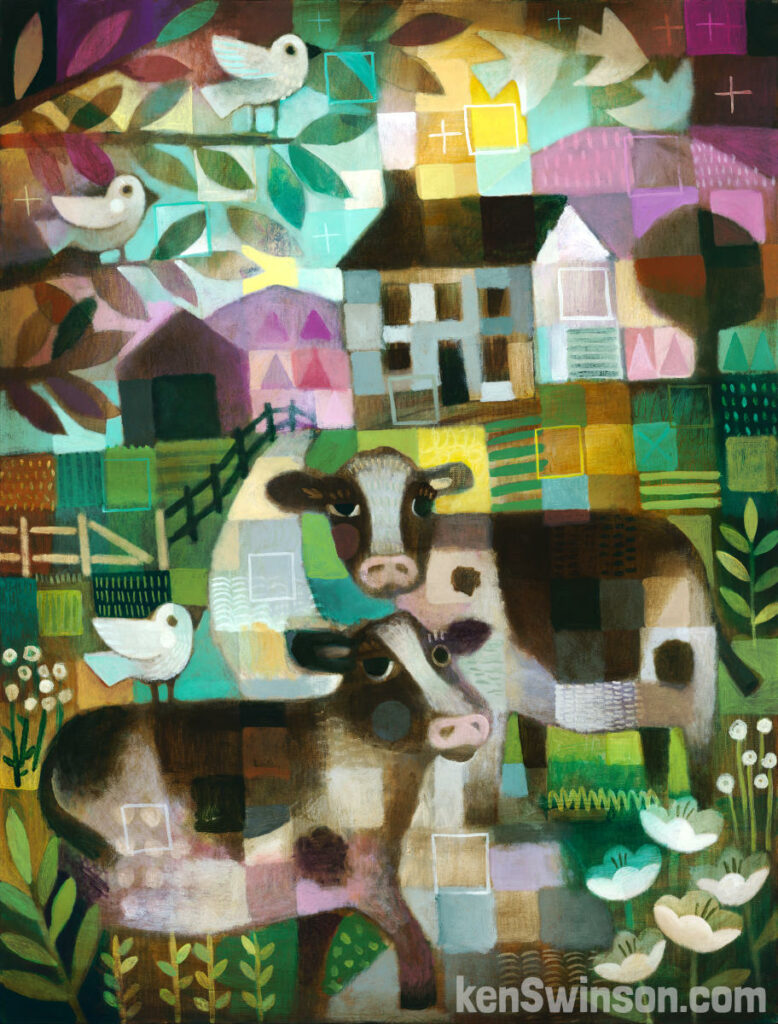
The Road Block
30×40 Acrylic on Canvas
Prints and notecards also available
Click image for more details
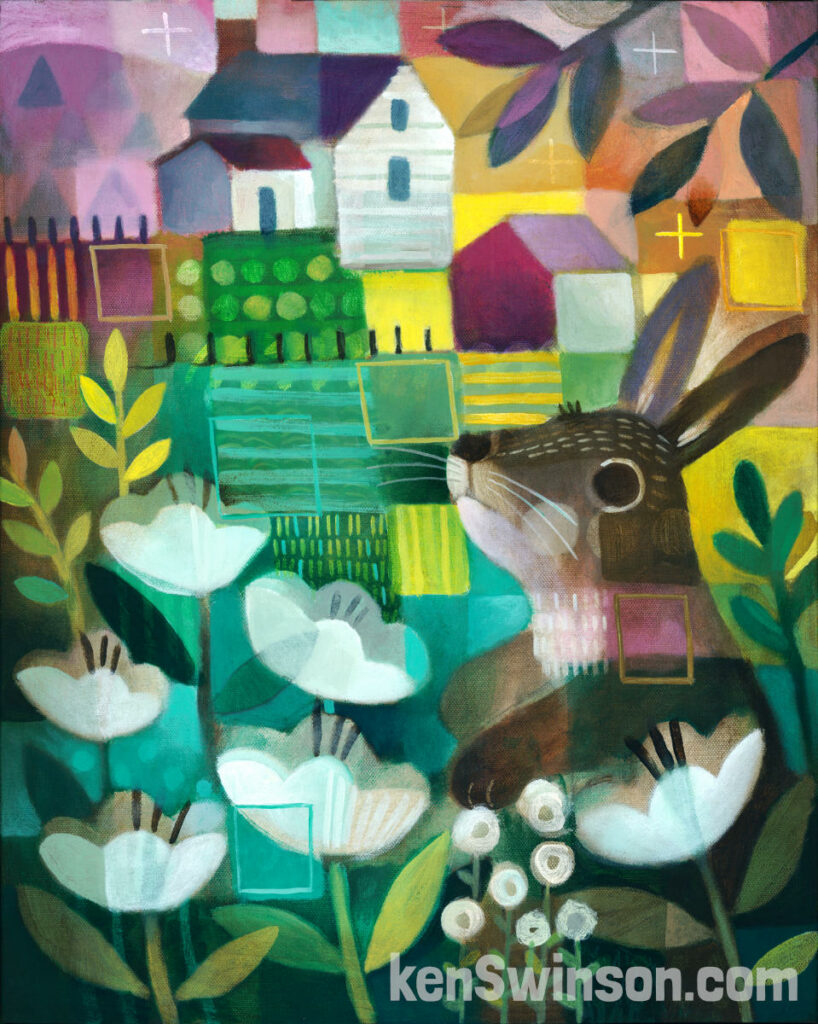
Admiring The Neighbor’s Cabbage Patch
16×20 Acrylic On Canvas
Original Painting is available
Prints and notecards also available
Click image for more details
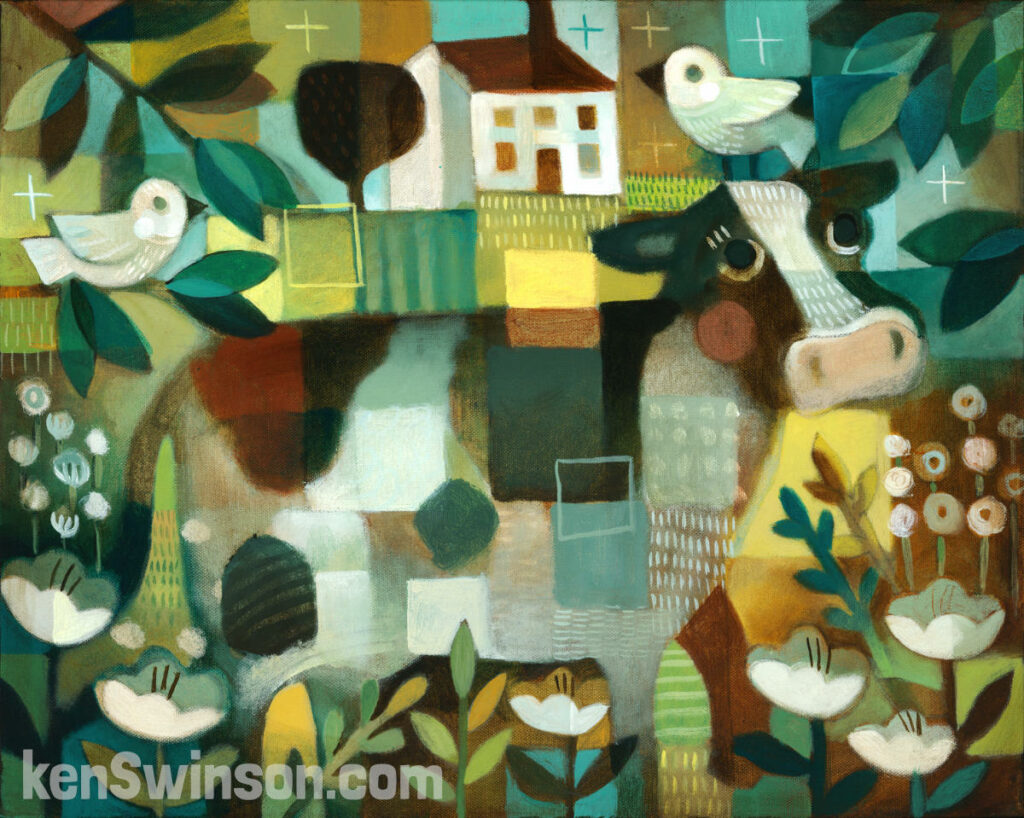
Back Talk
20×16 Acrylic on Canvas
Original Painting is Available
Prints and notecards also available
Click image for more details
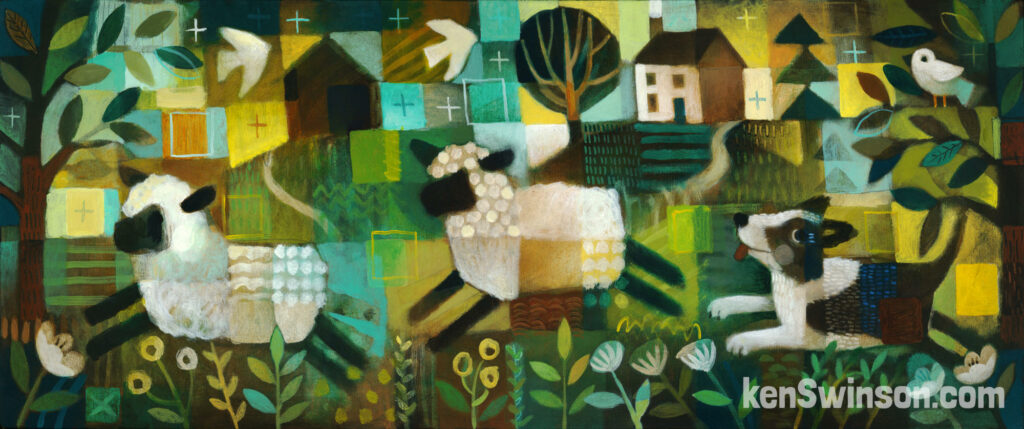
Sheep Dog
Original acrylic on canvas (and prints) available – click the image for more details
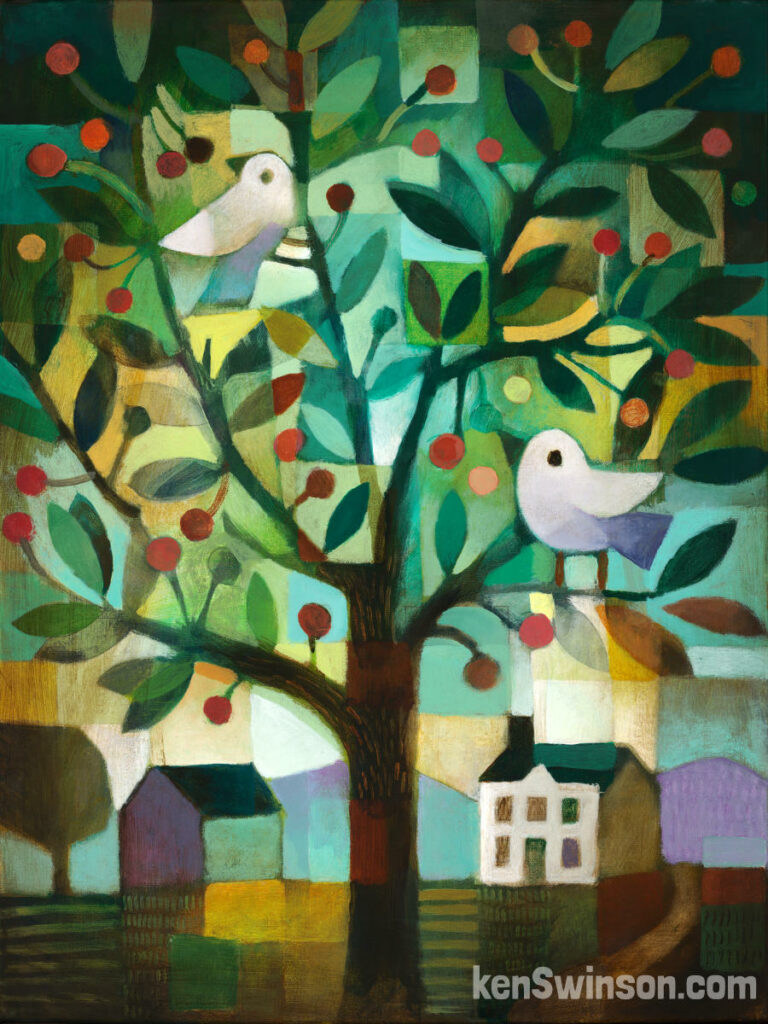
The Cherry Tree
Prints and NOTECARDS available.
Click image for more details.
Contact ken:
859.652.3136
ken@kenswinson.com
